
23
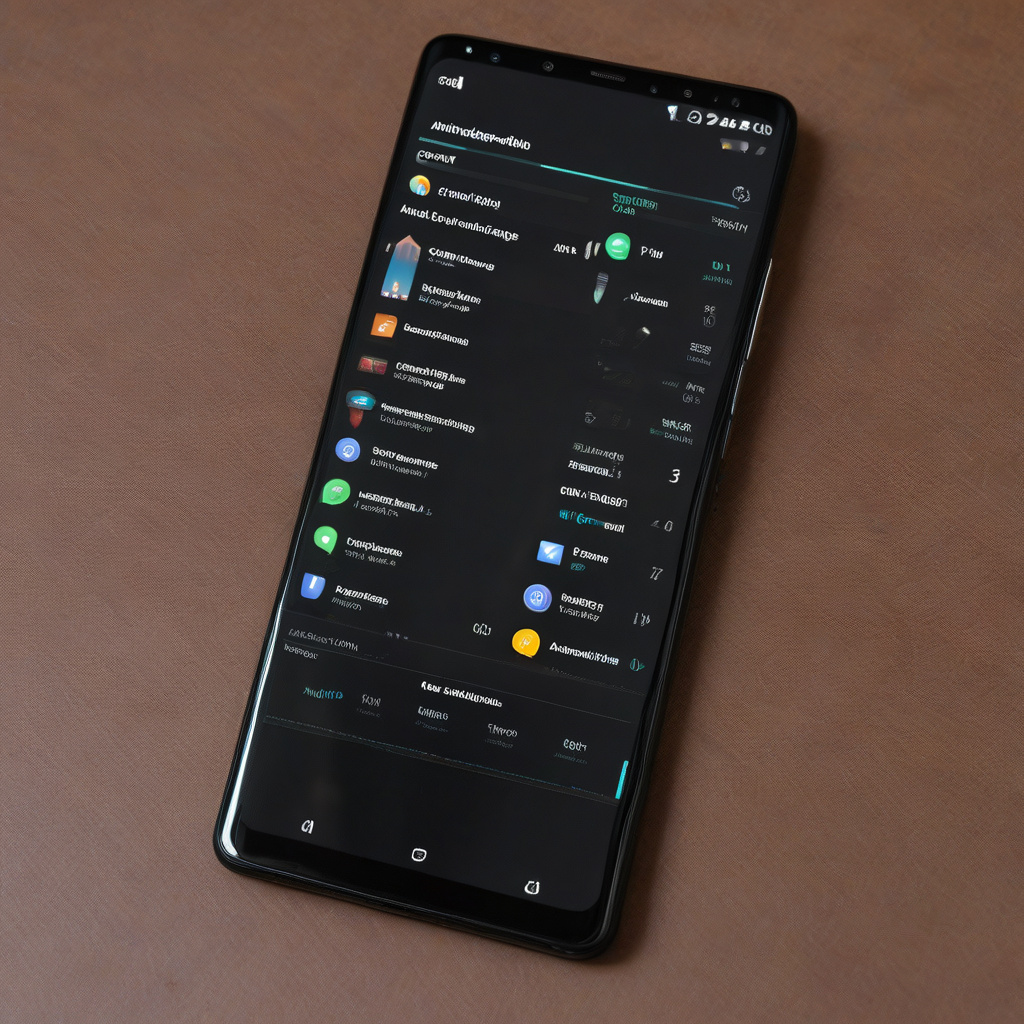
In the fast-paced world of technology, maximizing efficiency is key. When it comes to Android devices, Quick Settings are often overlooked but can significantly enhance productivity. These often-underutilized features can be customized and expanded to create a personalized and efficient user experience. Let’s explore 11 Android Quick Settings additions that can supercharge your efficiency and streamline your daily tasks.
- Timeout Override: Have you ever needed your screen to stay on longer? The Wakey app adds a Quick Settings tile for easy access to keeping your screen active when necessary. This simple adjustment can save you time and frustration.
- On-Demand Agenda: CalenTile displays your next calendar event in your Quick Settings, providing quick access to your schedule. Tap the tile for more details or to edit events with ease.
- Fast Task Adding: Apps like Todoist and Microsoft To Do offer Quick Settings commands for adding tasks instantly. Streamline your task management process with these convenient shortcuts.
- Weather Updates: Chronus adds a weather tile to your Quick Settings, allowing you to check the forecast without interrupting your current tasks. Stay informed with a simple swipe.
- Always-Available Calculator: The Google Calculator app can be accessed directly from your Quick Settings, eliminating the need to navigate through multiple screens to perform quick calculations.
- Faster File Access: Google Files app offers a Quick Settings shortcut for efficient file management. Access your files swiftly without navigating away from your current task.
- Recording Quick-Start: Pixel users can leverage the Recorder app’s hidden shortcut for instant audio recordings. Enhance your note-taking and meeting preparation effortlessly.
- Reading Mode: Transform your screen into a distraction-free reading experience with Android Reading Mode. Access this feature quickly via your Quick Settings for enhanced focus.
- Song ID Assistant: Identify songs on the go with Google’s Song Search tile in your Quick Settings. Stay focused during meetings or events by swiftly recognizing background music.
- Built-In Virtual Remote: Control your Google/Android-TV-associated devices with the native virtual remote accessible through your Quick Settings. Simplify your entertainment experience with this handy shortcut.
- Custom Quick Settings Tiles: With Tile Shortcuts, create personalized Quick Settings tiles for specific apps, processes, websites, or system activities. Tailor your device’s shortcuts to suit your unique workflow.
By incorporating these Quick Settings additions into your Android device, you can optimize your workflow, save time, and boost productivity. Remember, technology should work for you, not the other way around. Take advantage of these tools to make your digital experience seamless and efficient.