
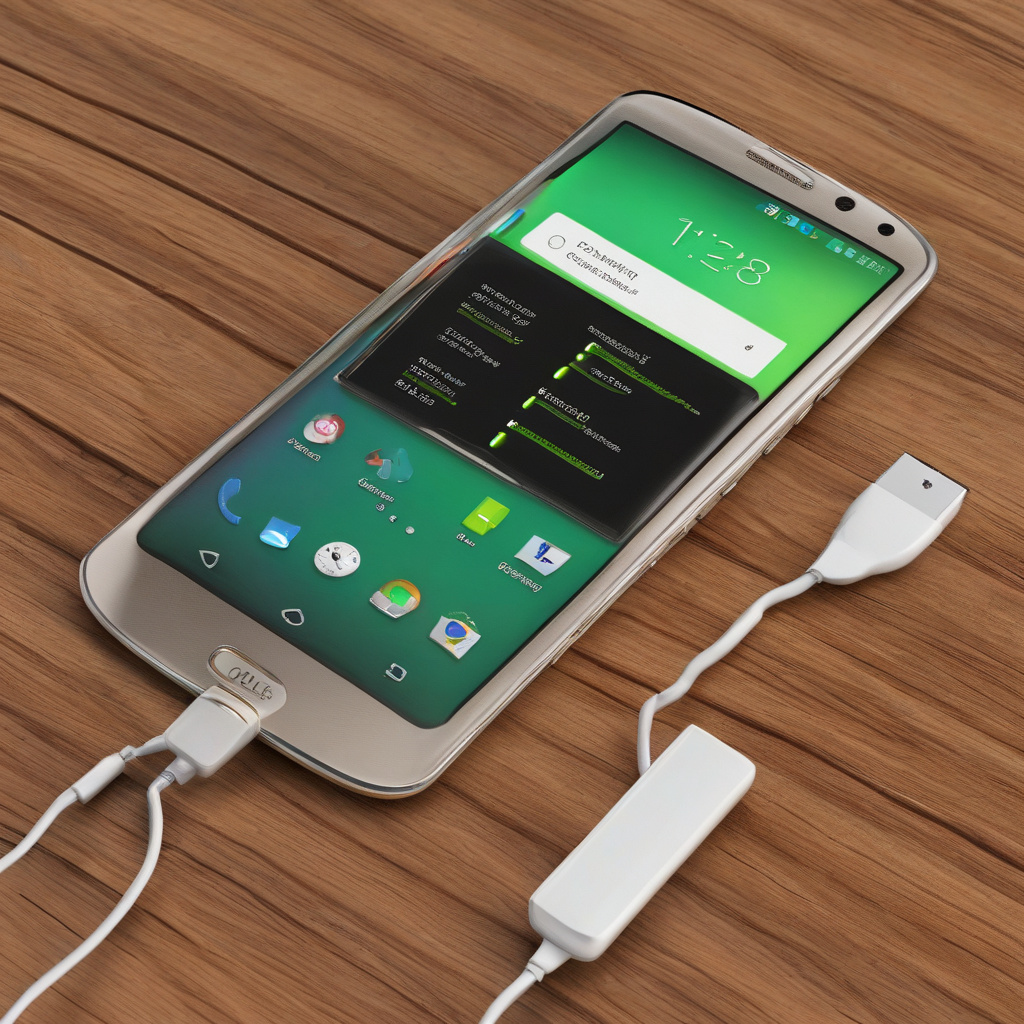
Getting the Most Out of Your Android Phone Battery
Making your Android phone last longer doesn’t have to involve complex maneuvers or sacrifices in functionality. With a few simple tweaks and adjustments, you can extend your device’s battery life by up to 25%. Let’s explore some practical tips and tricks that can help you get the most out of your Android phone.
#### 1. Turn off the always-on display
The always-on display feature might be convenient, but it can drain your battery faster than you think. By disabling this feature in your phone’s settings, you can save significant power. Additionally, adjusting the screen brightness and disabling adaptive brightness can further enhance battery life.
#### 2. Disable GPS when not in use
Location Services, particularly GPS, consume a considerable amount of battery power. If you’re not actively using navigation apps, consider turning off Location Services to prolong your phone’s battery life. You can easily toggle this setting on and off as needed in your phone’s settings.
#### 3. Remove social media apps when not in use
Social media apps, like Facebook and Instagram, are notorious for their resource-intensive nature. By uninstalling these apps when you’re not actively using them, you can prevent unnecessary background activity and save battery power. This simple trick can also help reduce distractions and improve productivity.
#### 4. Try bedtime mode to reduce phone usage
Bedtime mode is a useful feature that can help you reduce screen time and conserve battery life. By enabling this mode, your phone’s display will switch to a grayscale and dimmed state, making it less enticing to use. Setting a designated timeframe for bedtime mode can encourage healthier phone usage habits.
#### 5. Place your phone face down
Enabling the “Flip to Shh” option in your phone settings allows you to silence notifications and calls by placing your device face down. This not only conserves battery by reducing screen activations but also promotes mindful phone usage. The psychological effect of not seeing the screen can help you use your phone less frequently.
#### 6. Check your usage score
Monitoring your Digital Wellbeing usage can provide valuable insights into your app usage habits. By identifying and limiting the use of apps that consume the most battery, such as streaming services or games, you can optimize your phone’s battery performance. Challenge yourself to reduce screen time and prioritize essential apps.
#### 7. Reduce the screen timeout time
Adjusting your phone’s screen timeout settings can have a significant impact on battery life. By reducing the time it takes for your screen to turn off automatically, you can minimize unnecessary power consumption. Finding the right balance between convenience and power saving is key to maximizing battery efficiency.
By implementing these practical tips and tricks, you can effectively extend your Android phone’s battery life by up to 25%. Each adjustment may seem small on its own, but collectively, they can make a noticeable difference in how long your device lasts on a single charge. Give these strategies a try and enjoy a longer-lasting and more efficient Android experience.