
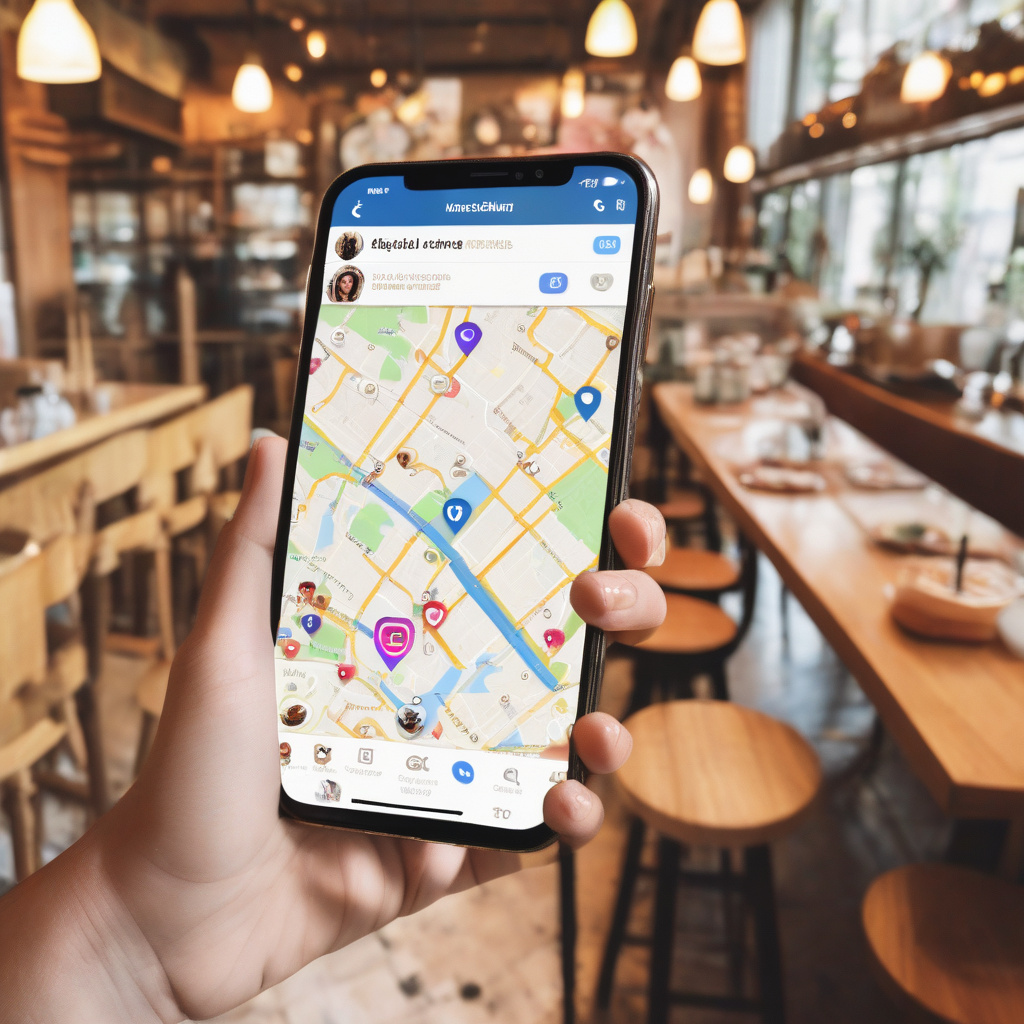
In a digital age where our every move can be tracked, ensuring our online privacy is paramount. Instagram, the popular social media platform owned by Meta, offers a feature called Instagram Map that allows users to share their location with followers. However, following concerns about safety, Instagram head Adam Mosseri reassured users that the feature is opt-in, emphasizing that some users are “confused” about how it operates.
For those who wish to utilize Instagram Map while maintaining their privacy, setting location sharing preferences is essential. By understanding and controlling who can see your location, you can enjoy the benefits of this feature without compromising your safety. Let’s delve into how you can make the most of Instagram Map while safeguarding your privacy.
Understanding Instagram Map
Instagram Map is a feature that displays the locations where you have shared posts on a map. This feature allows your followers to see where you were when you posted content. While this can be great for sharing travel experiences or local discoveries, it’s crucial to be mindful of who can access this information.
Setting Your Location Sharing Preferences
- Opting In or Out: The first step is to decide whether you want to share your location via Instagram Map. Remember, this feature is opt-in, meaning you have control over whether your location is visible to others. You can enable or disable this feature in your Instagram settings.
- Selecting Your Audience: Instagram allows you to choose who can see your location on Instagram Map. You can customize your audience by selecting from options such as “Close Friends,” “Followers,” or “Off.” This level of control ensures that only the intended audience can view your location data.
- Post-Specific Settings: You can also adjust location settings for individual posts. When sharing a post, Instagram gives you the option to include or exclude location information for that specific post. This flexibility allows you to tailor your location sharing preferences based on the content you are posting.
Enhancing Your Privacy
While Instagram Map can be a fun way to share your adventures, it’s vital to prioritize your privacy. Here are some additional tips to enhance your privacy while using this feature:
– Limit Location Sharing: Consider sharing your location sparingly and avoid sharing your exact whereabouts in real-time. Delaying location sharing can help protect your privacy and security.
– Review Tagged Locations: Regularly review the locations you’ve been tagged in on Instagram Map. Remove any tags that you’re uncomfortable with or that reveal sensitive information about your whereabouts.
– Be Mindful of Public Wi-Fi: Avoid sharing your location when connected to public Wi-Fi networks to prevent potential security risks.
Conclusion
As Instagram continues to evolve its features, including Instagram Map, users must stay informed about their privacy settings and preferences. By understanding how to use Instagram Map and setting your location sharing preferences wisely, you can enjoy the benefits of location-based sharing while safeguarding your personal information.
Remember, your online safety is in your hands. Take the time to review and adjust your Instagram Map settings to align with your comfort level. With the right precautions in place, you can share your world with confidence on Instagram.